Record, Listen, and Reverse Your Audio
Easily record audio from your microphone and play it back forwards or in reverse. Perfect for fun, creative projects, or audio experimentation with playback rate and pitch controls.
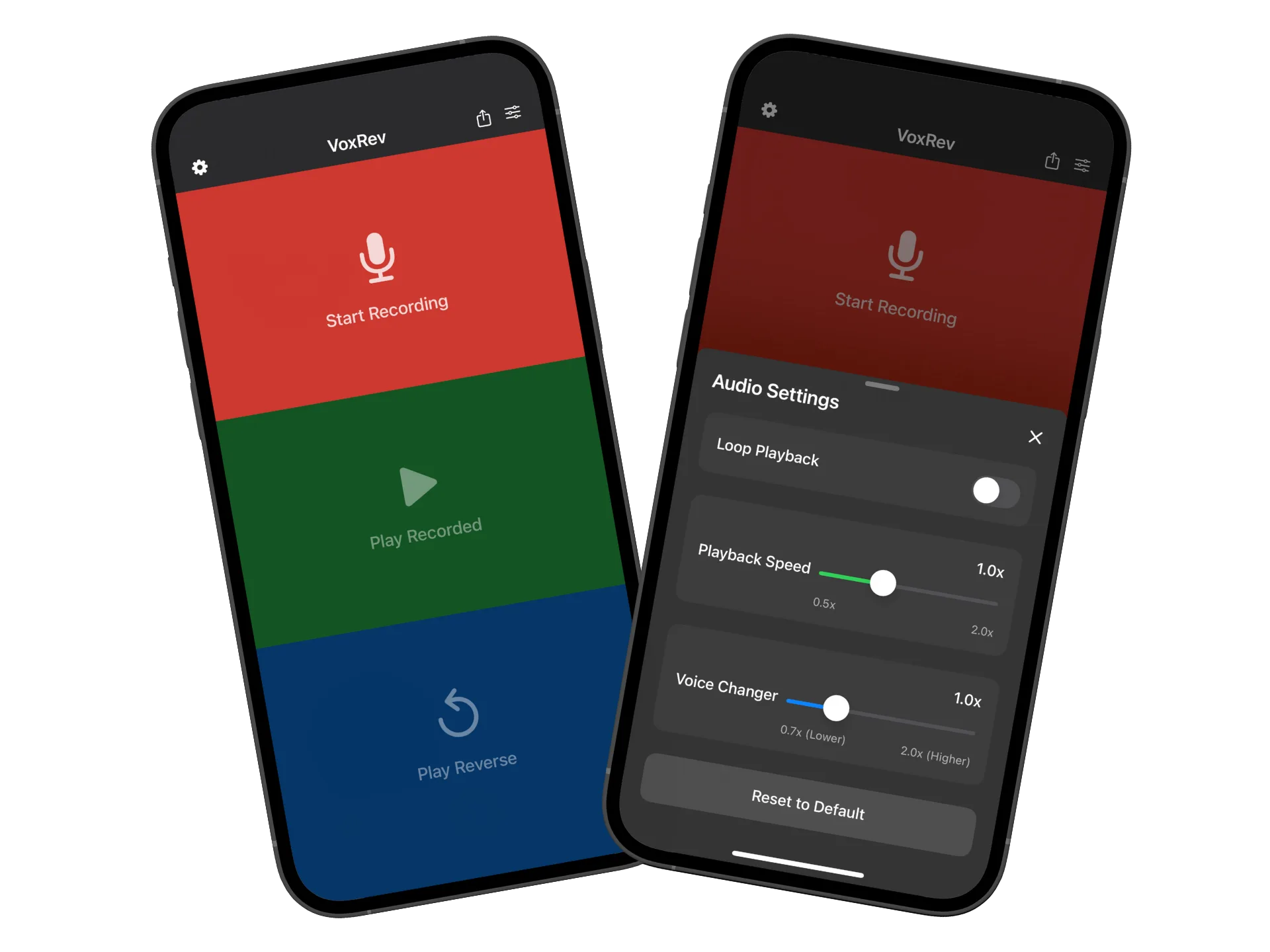
Everything you need for audio recording and playback
Record, listen, and reverse your audio with advanced controls for playback rate and pitch. Perfect for creative projects, audio experimentation, and fun.
Easy Recording
Record audio with one tap
Record sound using your device's microphone with a simple tap. High-quality audio recording for all your creative projects and audio experimentation needs.
Normal & Reverse Playback
Play audio forwards or backwards
Play your recorded audio normally or reverse it for a unique listening experience. Perfect for creative projects, music experimentation, and discovering hidden sounds.
Playback Controls
Adjust speed and pitch
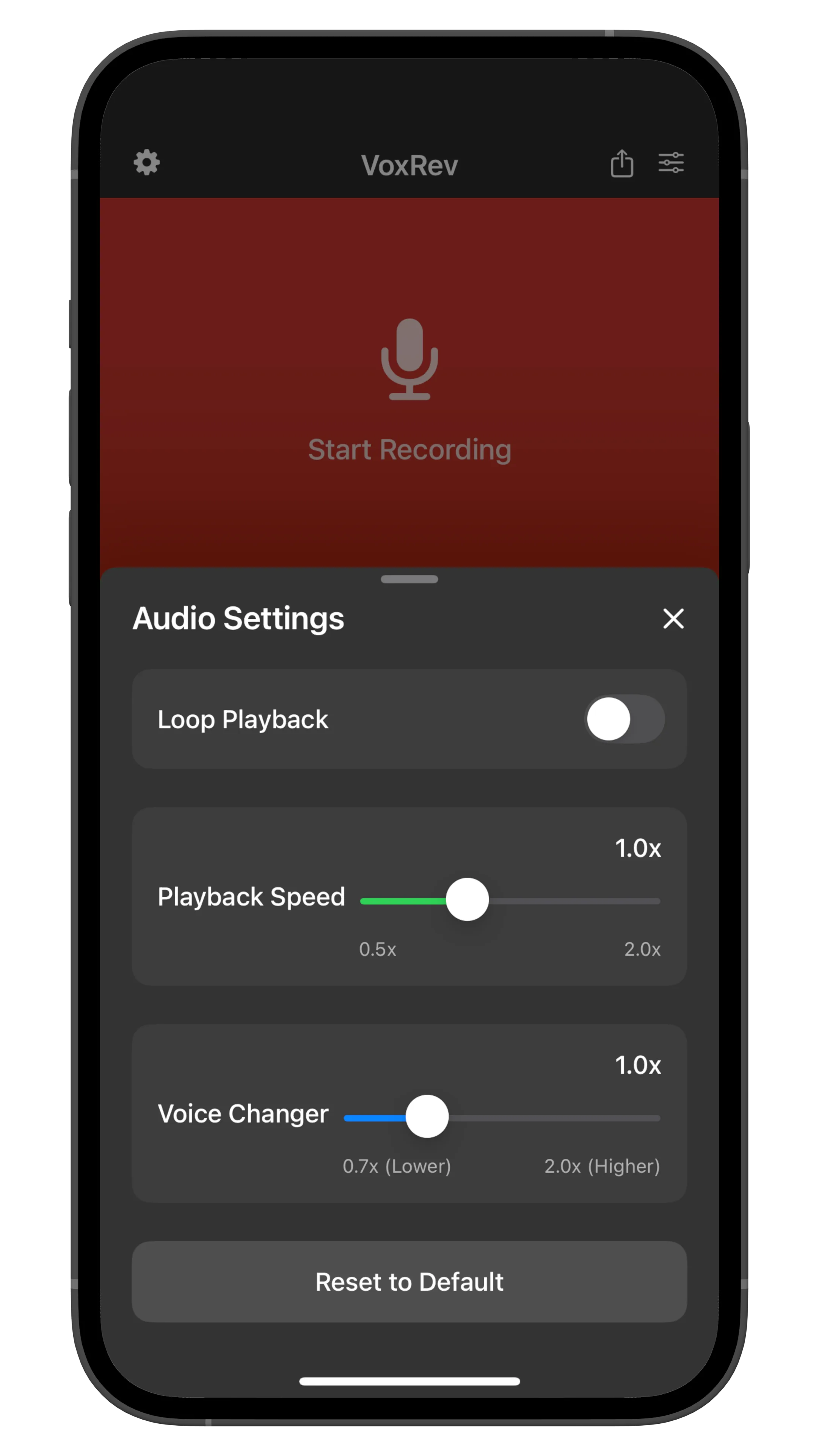
Change playback rate from x0.5 to x2.0 and adjust pitch by half tones from -2 octave to +2 octave. Fine-tune your audio for the perfect creative effect.
File Import & Export
Import and save audio files
Import audio files from other apps via share action or Files app. Supports wav, mp3, mp4, m4a, aifc, aiff, caf, flac formats. Save files to Files app for easy access.
Record and Play Audio in Four Simple Steps
Our audio app makes recording, playing, and reversing audio effortless and fun.
1. Record Your Audio
Record sound using your device's microphone with a simple tap. High-quality audio recording for all your creative projects and audio experimentation needs.
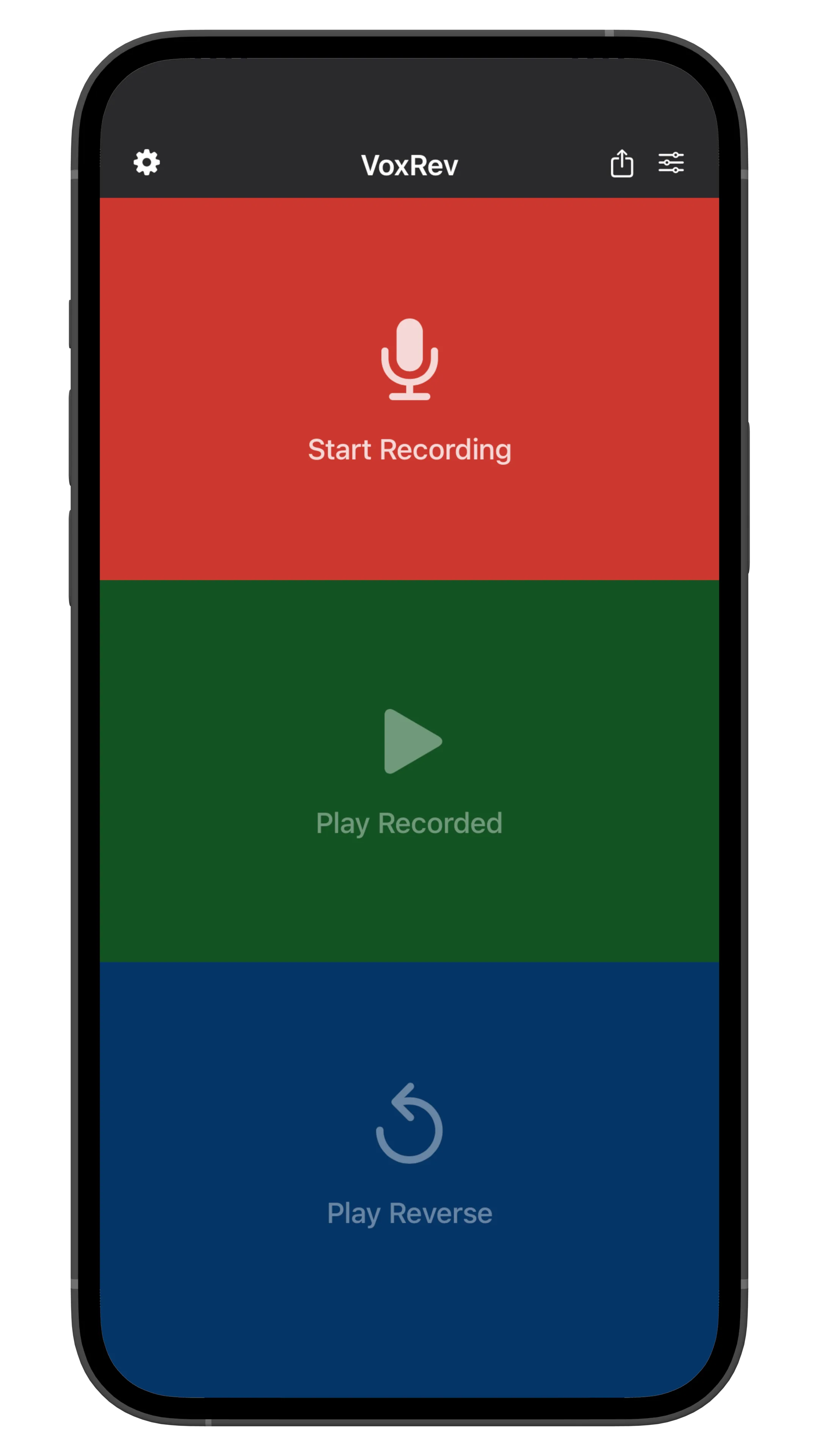
2. Play Recording
Play the recorded audio normally to listen to your recording. High-quality playback for all your creative projects and audio experimentation needs.
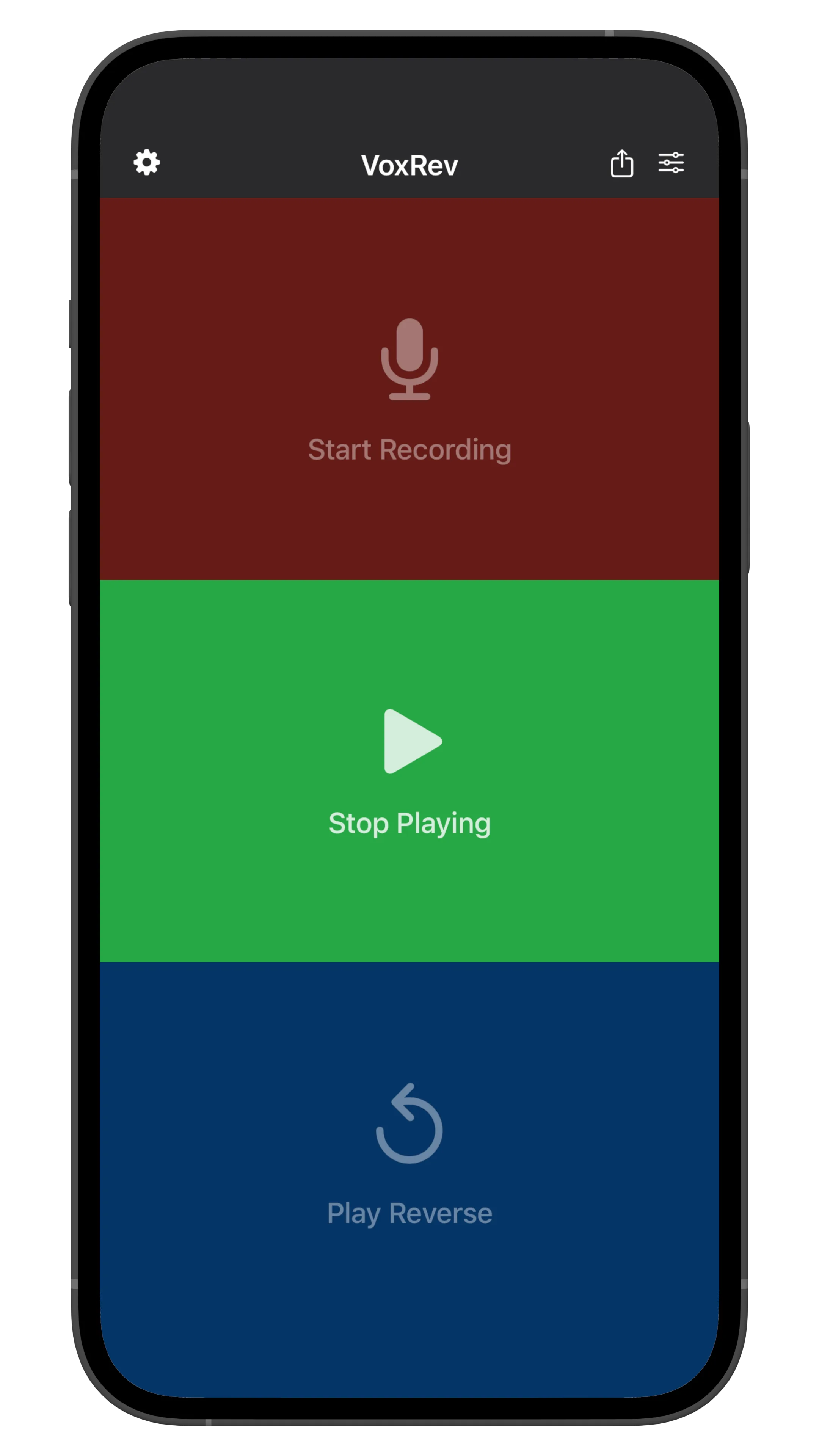
3. Reverse Play Recording
Play the recorded audio in reverse for a unique listening experience. Perfect for creative projects, music experimentation, and discovering hidden sounds.
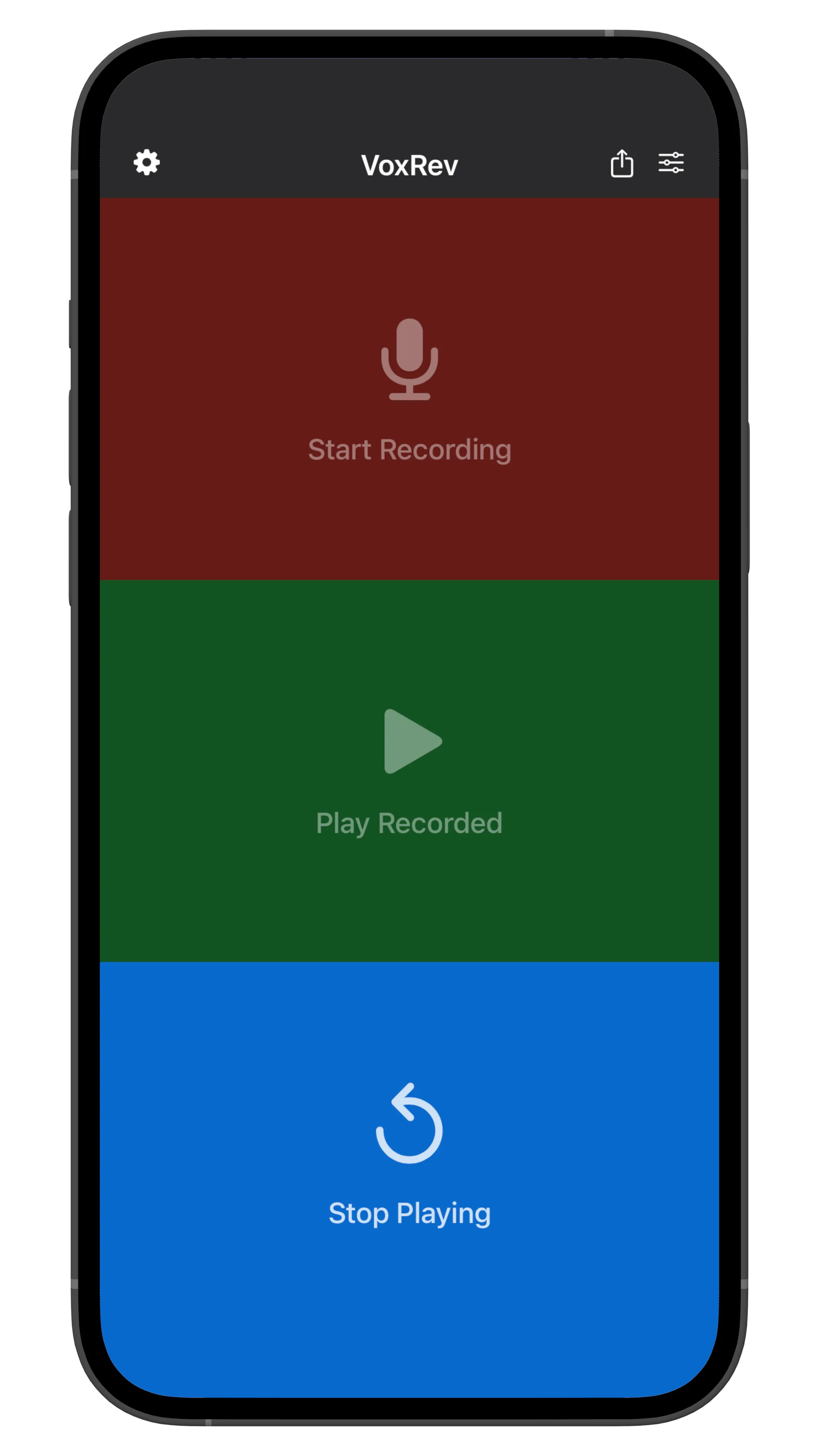
4. Play with Effects
Adjust playback rate from x0.5 to x2.0 and change pitch by half tones from -2 octave to +2 octave. Fine-tune your audio for the perfect creative effect.
High Quality Audio
Professional-grade audio recording and playback
Multiple Formats
Support for wav, mp3, mp4, m4a, aifc, aiff, caf, flac
Creative Tools
Perfect for music, podcasts, and creative projects
Trusted by Musicians and Content Creators
See what our users are saying about their experience with Reverse Audio - VoxRev.
Clara Hayes
TikTok Creator
"This app is perfect for creating viral TikTok content! The reverse audio effect makes my videos so much more engaging and fun. My followers love the creative sound effects I can make with just a tap."
Evan Brooks
Instagram Influencer
"The reverse audio feature is absolutely hilarious! I use it to create funny Instagram Reels and Stories. The pitch controls let me make my voice sound like a chipmunk or a robot - my audience goes crazy for these effects!"
Simone Lee
YouTube Content Creator
"I love using this app for my YouTube videos! The reverse audio creates such cool effects that make my content stand out. It's so easy to use and the results are always entertaining. My subscribers always ask how I make these amazing sound effects!"
Frequently asked questions
Everything you need to know about recording, playing, and reversing audio.
What audio formats are supported?
Our app supports a wide range of audio formats including wav, mp3, mp4, m4a, aifc, aiff, caf, and flac. You can import audio files from other apps using the share action or directly from the Files app. All saved audio files are also accessible through the Files app under "On My iPhone/iPad > Reverse Play > Audio".
How do I record audio with the app?
Recording audio is simple! Just tap the record button to start recording using your device's microphone. The app will capture high-quality audio that you can then play back normally or in reverse. You can also import existing audio files from other apps or the Files app to work with audio you've already recorded elsewhere.
What playback controls are available?
The app offers comprehensive playback controls including playback rate adjustment (from x0.5 to x2.0 speed) and pitch control (from -2 octave to +2 octave in half-tone increments). You can play audio normally or in reverse, and all settings can be adjusted in real-time while playing. These controls are perfect for creative projects, music experimentation, and discovering unique audio effects.
Can I save my audio recordings?
Yes! All your audio recordings are automatically saved and accessible through the Files app. Navigate to "Files app > On My iPhone/iPad > Reverse Play > Audio" to access all your saved recordings. You can also share your recordings with other apps or export them for use in other projects.
Is the app free to use?
Yes! The app is free to download and use with basic recording and playback features. You can record audio, play it normally or in reverse, and access basic playback controls. Premium features may be available for advanced functionality, but the core features are completely free to use.
What can I use this app for?
This app is perfect for creative projects, music experimentation, podcast editing, voice memo manipulation, and discovering unique audio effects. Whether you're a musician, content creator, podcaster, or just someone who enjoys playing with audio, the reverse playback and pitch controls open up endless creative possibilities.
How is my data and privacy protected?
We take your privacy seriously. All audio recordings are stored locally on your device and are not transmitted to our servers. Your personal information and audio data are protected and never shared with third parties without your consent. For more details, please refer to our Privacy Policy.
Start recording and reversing audio today
Join musicians, content creators, and audio enthusiasts who use our app for creative projects, music experimentation, and discovering unique audio effects.

Free download with advanced audio controls